Sigma SD14
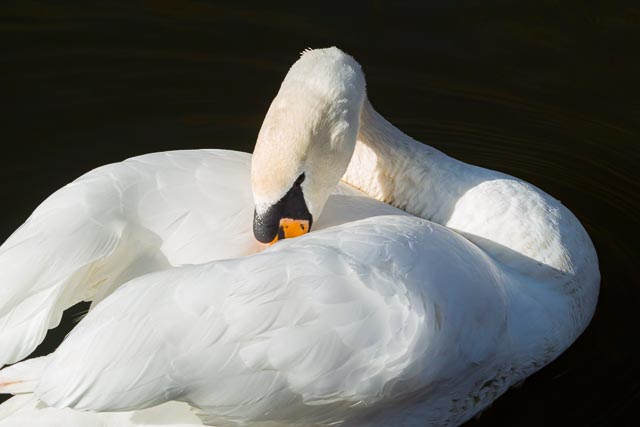
Shot on the Sigma SD14 with Sigma 70-300mm f/4-5.6 APO DG Macro - f/10 - 1/500 - ISO 100. If you just want to see more images, jump straight to the Sigma SD14 results gallery.
Contents & specification summary
| Announced | September 2006 |
|---|---|
| Camera type | DSLR |
| Camera size | 750 grams 144 x 107 x 81 mm (inc. battery) |
| Sensor type | Foveon X3 |
| Sensor size | APS-C (20.7 × 13.8 mm) |
| Resolution | 2640 x 1760 x 3 (4.64 megapixels, or 13.94 megapixels including all 3 layers) |
| Memory card | Compact Flash Type I or II |
| Battery | BP-21 |
| Lens mount | Sigma SA |
| Full specifications | |
Introduction
Sigma is one of the best known independant lens companies, famous for making a wide array of lenses for all the main lens mounts: Canon EF, Nikon F, Pentax K etc, etc. But Sigma have also been making cameras for 50 years starting with the Sigma Mark-I in 1976. The introduced their own autofocus lens mount, the Sigma SA mount, in 1993 with the SA-300 35mm SLR, and in 2002 they announced their first DSLR, also using the Sigma SA mount, the SD9.
What makes all Sigma cameras launched before 2019 particularly interesting is the unique sensor technology they use. Sigma chose a sensor made by a little known company called Foveon. So what is a Foveon sensor?, I hear you cry? Visit that link for more, but here's the short version: In a conventional Bayer sensor, each pixel is sensitive to a single primary light colour because of a mosaic filter fitted in front of the sensor (with the missing colour values supplied by interpolation):
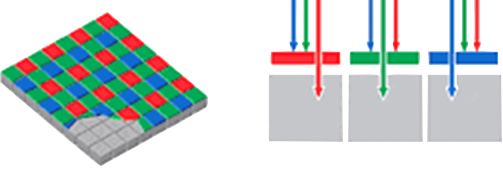
But a Foveon sensor layers 3 sensors in a block of silicon and then relies on the fact that different colours of light penetrate silicon to different depths. This allows each pixel in a Foveon sensor to be sensitive to all 3 primary colours of light:
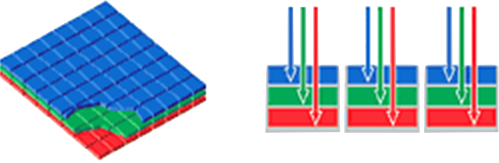
This means that a Foveon sensor records to colour in a way that is, in theory at least, far more like the way colour film responds to light. In turn this allows a Foveon sensor to resolve, pixel for pixel, far more detail than a conventional sensor.
But this gave Sigma a real problem: If they referred to the 4.6 megapixel sensor in the SD14 as a 4.6 megapixel sensor, they would seriously under-state the capabilities of their product! So instead they count all the pixels from all 3 sensor layers to give a total of almost 14 megapixels. Unfortunately this perhaps rather over-stating the capabilities of a Foveon sensor. (Most contemporary reviews of Foveon cameras report that a Foveon sensor can resolve about twice the detail of a conventional sensor, rather than the 3 times that Sigma is effectively claiming.)
The Sigma SD14 was announced in 2006 as Sigma's 3rd DSLR when most DSLRs had around 10 megapixels, so with its 4.6 megapixel sensor the Sigma SD14 was reasonably competitive with its contemporaries when it comes to detail resolution. But Sigma was being a bit optimistic when it claimed the SD14 had a competition-smashing 13.9 megapixel sensor. In general, I was perfectly happy with the amount of detail the SD14 can resolve, and I think it does indeed compare well with its 2006 10 megapixel contemporaries. But Sigma Foveon sensors do have their fair share of quirks so as a vintage digital camera enthusiast I wanted to find out for myself! Hence the addition of this camera to my little collection and this article about my experiences with it.
Buying a Sigma SD14 in 2026
Sigma cameras are both rare and have acquired a somewhat folkloric, even legendary, status among digital camera nerds, leading to high demand. Unfortunately for anyone looking to get some personal experience with a Foveon sensor equipped camera, limited supply and high demand means a Sigma camera doesn't come cheap!
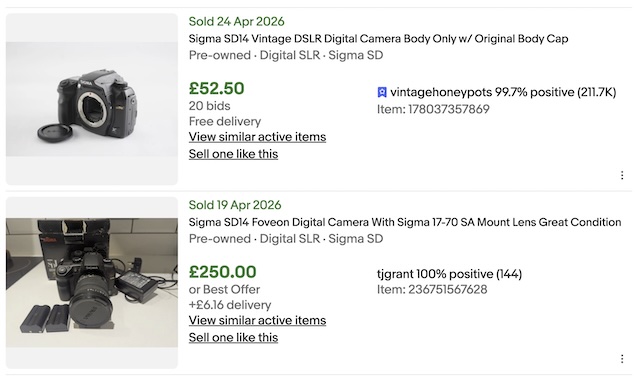 A quick search on eBay carried out 19 May 2026 reveals asking prices of somewhere between £200 and £300 in the U.K. A similar 10 megapixel DSLR from a more mainstream manufacturer like Nikon or Canon is likely to cost somewhere in the £40-90 range. But of course, just because someone is asking £200 doesn't necessarily mean they're going to get it! If we look for recent sold listings (again 19 May 2026) in the U.K. reveals just 2 results: one sold for just £52.50, but was described in the listing as "UNTESTED, may NOT be in a working condition", and another sold for £250 complete with the same Sigma 17-70mm lens (a good lens with optical image stabilisation and quite sought after) that I use with mine and described as in "great condition". That suggests that if you're willing to set up a saved search on eBay and wait patiently for a good example to turn up you can probably get away with spending perhaps £100-150 body only, and perhaps £200-250 complete with a good lens. Finding Sigma SA mount lenses can be something of a challenge but don't be tempted to pay over the odds for a camera complete with a lens if it isn't a good one!
I personally bought my SD14 from MPB in January 2026, in good condition, and complete with battery, charger and a 12 month warranty for £104. Also from MBP and got a Sigma 17-70 mm f/2.8-4 DC Macro OS HSM to go with by SD14 for £109. I would hesitate to spend much more than that…
Sigma SD14 body tour
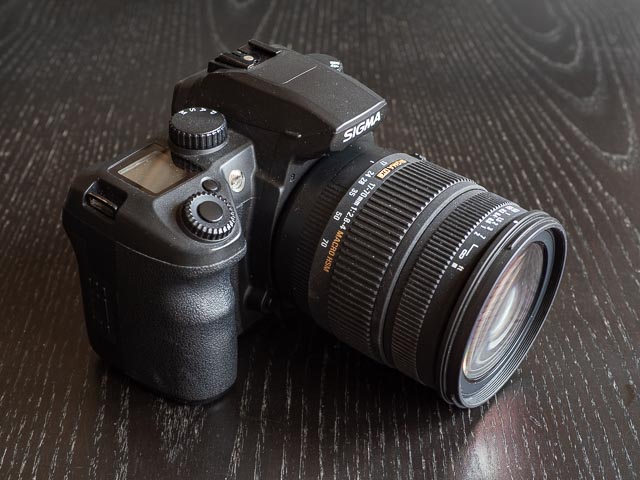
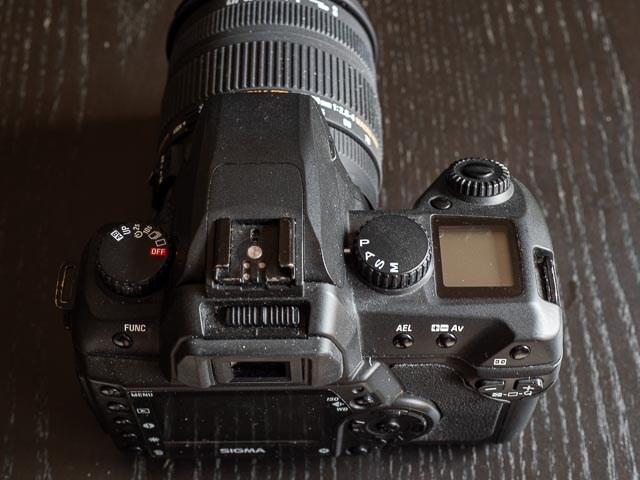 The SD14 is a pretty conventional looking mid-2000s DSLR, yet it still has it's own way of doing things. Looking at the top plate, the first thing that might catch you out is the complete lack of any obvious way to turn the damned thing on! But the "Off" position on the drive mode dial to the left of the pentaprism (as you're using the camera) is your clue to the fact that you turn the camera on simply by moving this dial to one of the drive modes. Actually, once you get used to it this makes a lot of sense. On other side of the pentaprism you have a very simple exposure mode dial with just four positions for the classic set of PASM modes… no silly scene modes here! Then comes a small and basic, but still useful LCD status display, and above that the shutter release surrounded by the single command dial. The button next to the shutter release/command dial turns on illumination for the status display.
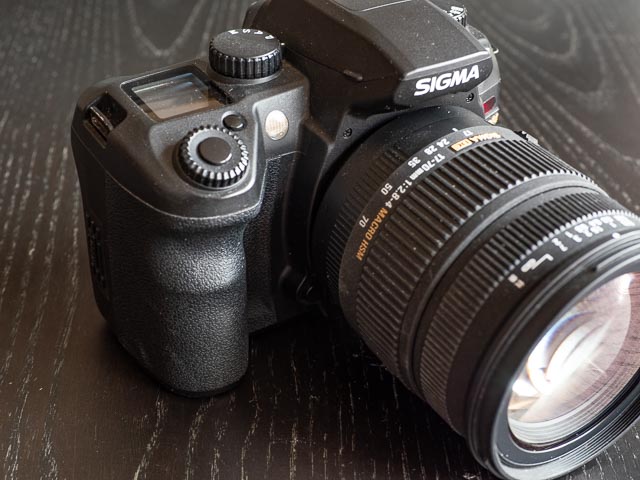
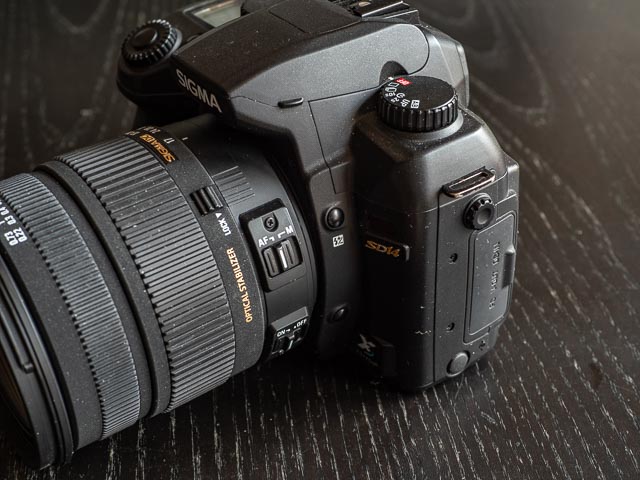 On the front of the camera to the left (when facing the camera) of the lens you'll find the AF auxiliary lamp for auto focussing in dark conditions and the lens release button. While on the right of the lens you'll find a flash exposure compensation button and a depth-of-field preview button. On the right side of the camera you also find a rubber door hiding some ports for USB, video out and DC in. You can also see here switches on the lens for switching between auto/manual focussing and the lens's optical stabilisation.
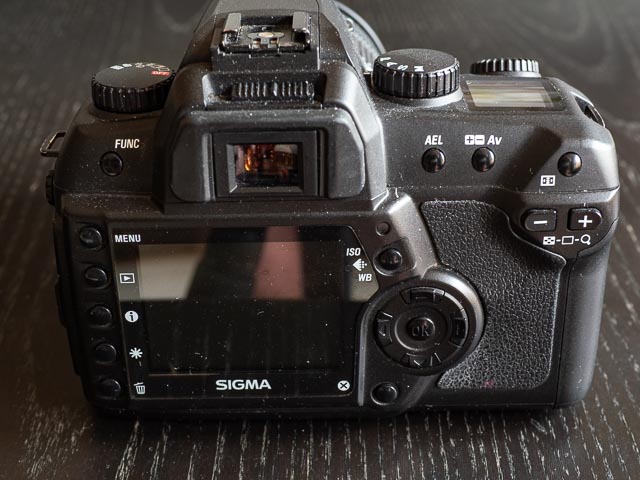 Moving to the back of the camera, above the viewfinder you'll find a dioptre adjustment slider. To the left of the viewfinder you'll find a mysterious button labelled "FUNC". The main use of this button is to switch between single and continuous auto focus modes in combination with the command dial. I can't help wishing Sigma had just labelled this button something more descriptive like "focus mode". I only found one other function for this button in the instruction manual: to enable an extended ISO extends the normal ISO range of 100-800 to 50-1600 (press it 7 times then keep is pressed while turning the comand dial. Yeah… I kid you not…! Very intuitive Sigma!). To the right of the viewfinder you'll find the exposure lock button, an exposure compensation button (which for some mysterious reason is labelled +- AV) and a button for selecting the focusing point.
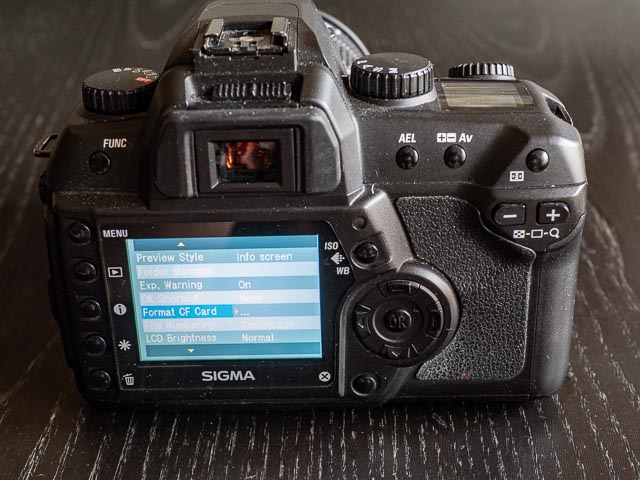 The lower portion of the back of the camera houses the rear monitor along with a whole host of buttons mainly used for activating and navigating the menu system and using playback mode (including a pair of +/- buttons used in playback mode to do things like zoom in on an image). Fortunately the menu is short and simple because almost all the photographic functions are adjusted using controls on the camera body. In this area you'll also find the button for setting ISO and white balance.
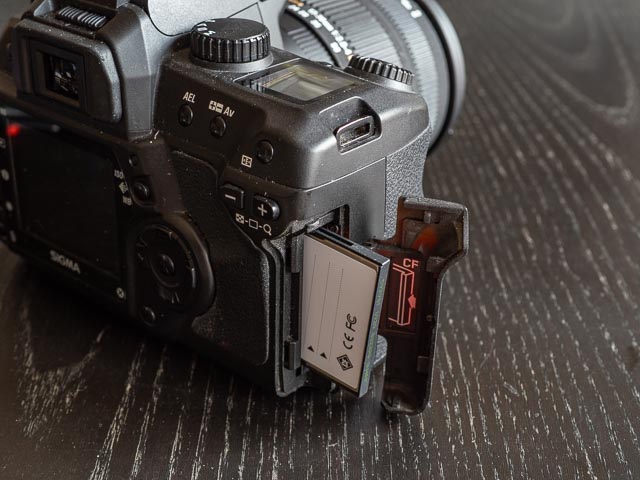 On the right hand side of the camera (as you're using it) you'll find the memory card door, which has a single slot for Compact Flash Type I or II cards. (Note that the SD14's successor, the mildly updated SD15, switched to modern SD cards. So if you don't want deal with outdated CF cards, you might want to look out for the SD15 instead.)
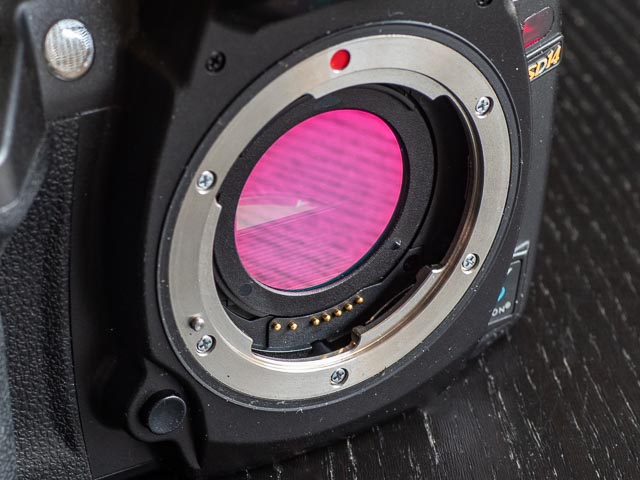
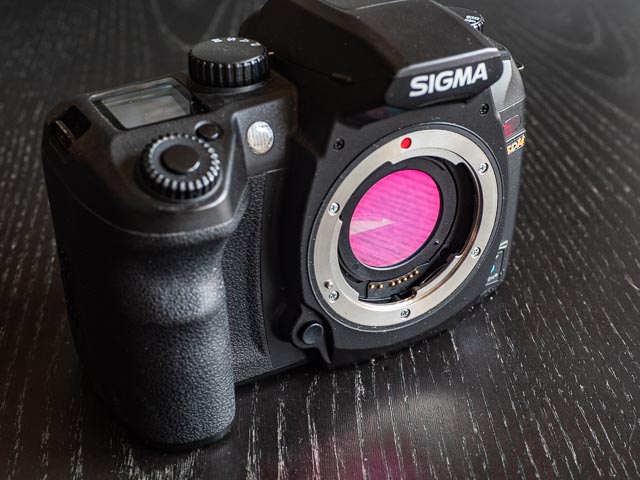 When you remove a lens from the SD14 for the first time, you might be surprised by one of the SD14's more unusual features; the "dust protector" over the mirror and sensor box. This is in fact an IR Cut filter whose real job is to protect the sensor from infrared light. On most cameras this filter is permanently built in to the sensor unit and so cannot be removed. But on the SD14 (and all other Sigma DSLRs for that matter) you can actually remove this filter to, in theory at least, use your camera as a full-spectrum infrared camera, and then just refit the filter to go back to normal photography. I haven't tried this yet as none of my IR filters will fit any of my Sigma SA mount lenses, but of course I'll update this page when I get around to trying this out.
Using a Sigma SD14 in 2026
Throughout the above body tour you might have detected a certain amount of frustration with some of Sigma's design choices for less used controls. But actually, on the whole, I think the Sigma SD14 is a pretty successful design when it comes to ergonomics and usability. But functionally the SD14 is rather a mixed bag… indeed there are times when the SD14 will have you screaming in frustration! Automatic white balance can be almost random and neither exposure or auto-focus are particularly reliable. Add that to the fact an SD14 will cost considerably more than any of it's more conventional rivals and you have to wonder why anybody would bother with this old relic  .
.
But despite all these quirks and eccentricities, as a vintage digital camera enthusiast I have to say I've had a huge amount of fun exploring playing with the SD14. Using a camera with such pure design that eschews such fripperies as scene modes that you use just once and then never touch again is a real pleasure. So if you're the kind of person who likes a rarity (and a challenging rarity at that!) and you don't mind paying a premium then I would say go for it.
Sigma SD14 results
Not only can using the SD14 be a bit of a challange at times, but I found that dealing with the results in Lightroom can be a bit of a challange too. If you're an Adobe Lightroom user, then at least Lightroom can import the RAW files from the SD14, so you're spared the inconvenience of an extra step to process the RAW files in Sigma Photo Pro before importing them into Lightroom.
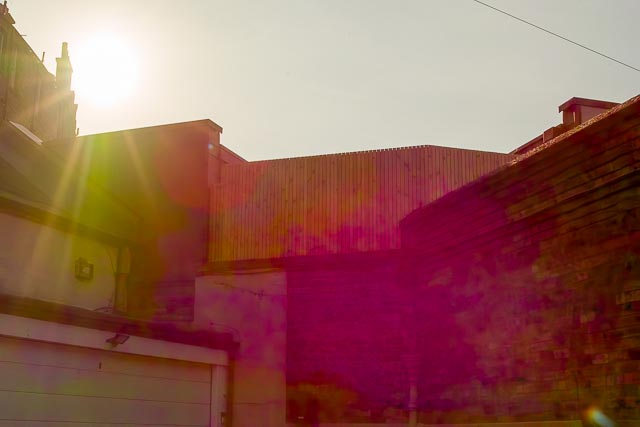 Lightroom processes the RAW files into 4.6 megapixel images, but as I have said before, I had no complaints about the detail the SD14 can resolve, and the files respond well to Lightroom's new "Super Resolution" function. But given that Foveon sensors have a particular reputation for the colours they can produce, I found the SD14 colours can be the biggest challenge of all, with strange colour casts being common. And the sensor in the SD14 can produce the same strange bright green and magenta flare when you have a light source in the frame I saw with the Sigma DP2 Merrill, as you can see here.
But when it all comes together, the SD14 can produce really beautiful images. I kept my SD14 pretty much permanently locked to 100ISO, and when you do this the SD14 can produce images with a beautiful, subtle, creaminess that doesn't obscure details. I'm thinking particularly about the image of the swan I used at the top of this page. Yes, there are times it's easy to forgive the SD14 all those eccentricities!
The colour examples below were processed to taste in Adobe Lightroom, and the black and white examples were process in Nik Silver Efex 8.
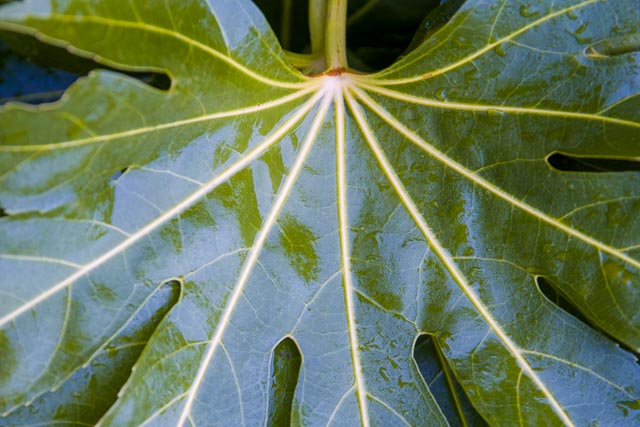
Sigma 17-70 mm f/2.8-4 DC Macro OS HSM - 70mm - f/4.0 - 1/30 - ISO100
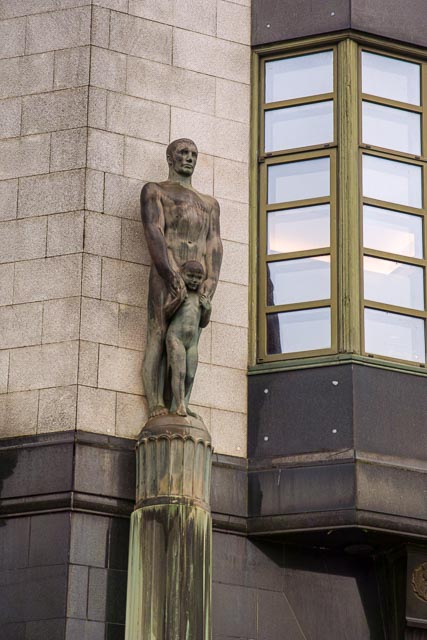
Sigma 17-70 mm f/2.8-4 DC Macro OS HSM - 70mm - f/4.5 - 1/80 - ISO100
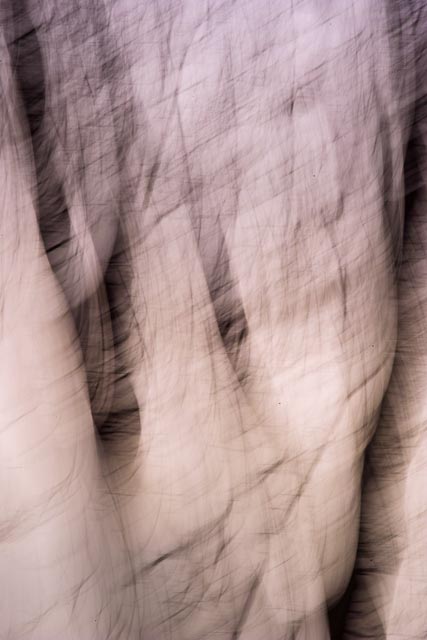
Sigma 17-70 mm f/2.8-4 DC Macro OS HSM - 70mm - f/32 - 1/4 - ISO50
I found the SD14 quite effective for a bit of ICM
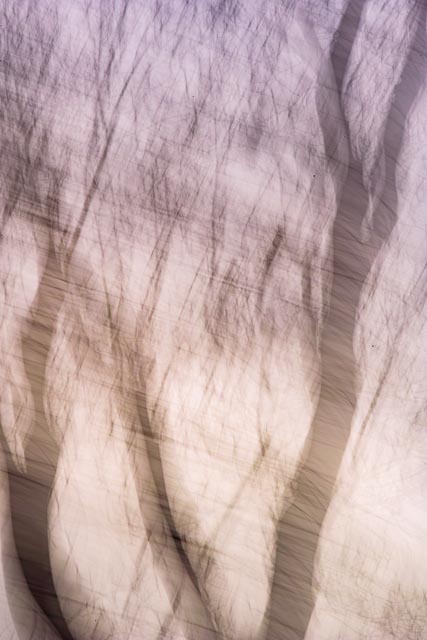
Sigma 17-70 mm f/2.8-4 DC Macro OS HSM - 70mm - f/32 - 1/4 - ISO50
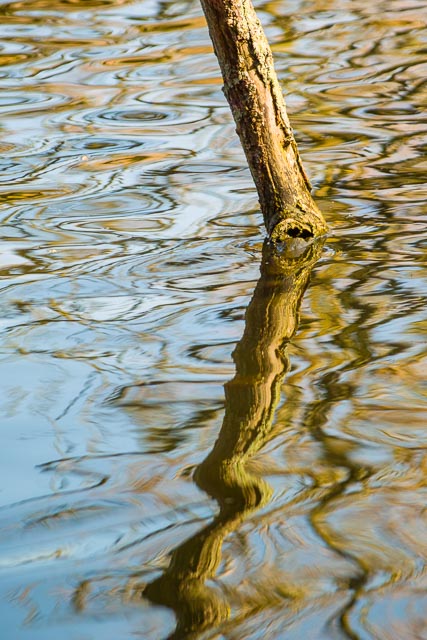
Sigma 70-300mm f/4-5.6 APO DG Macro - 190mm - f/5.0 - 1/200 - ISO100
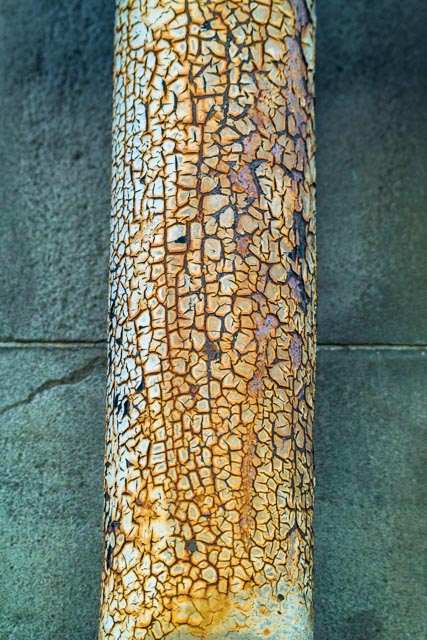
Sigma 70-300mm f/4-5.6 APO DG Macro - 70mm - f/4.0 - 1/80 - ISO100
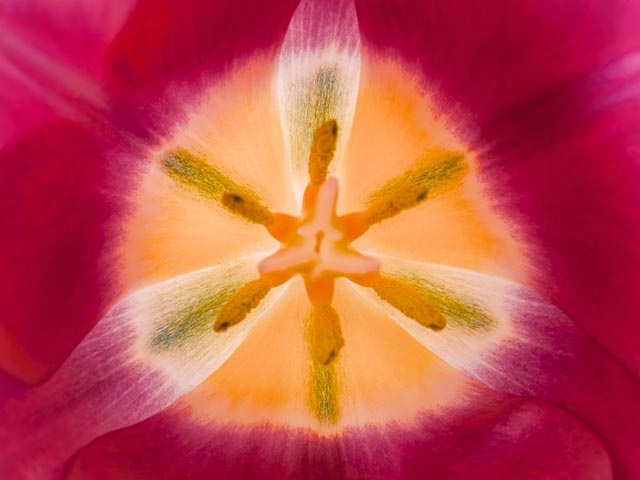
Sigma 70mm F/2.8 DG Macro Art 018 - f/11 - 4 sec - ISO100
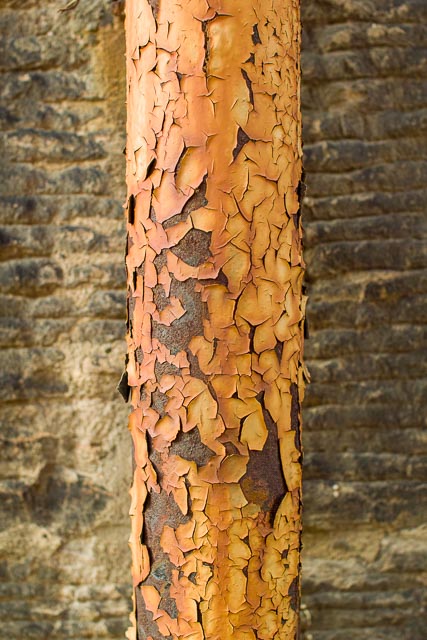
Sigma 30mm F/1.4 DC HSM Art 013 - f/2.8 - 1/160 - ISO100
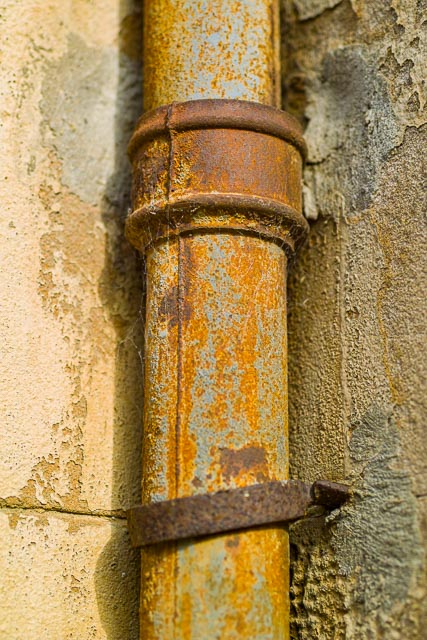
Sigma 50mm F/1.4 DG HSM Art 014 - f/1.6 - 1/2000 - ISO100
Yeah, I did develop something of a rusty pipe fetish in my time with the SD14!
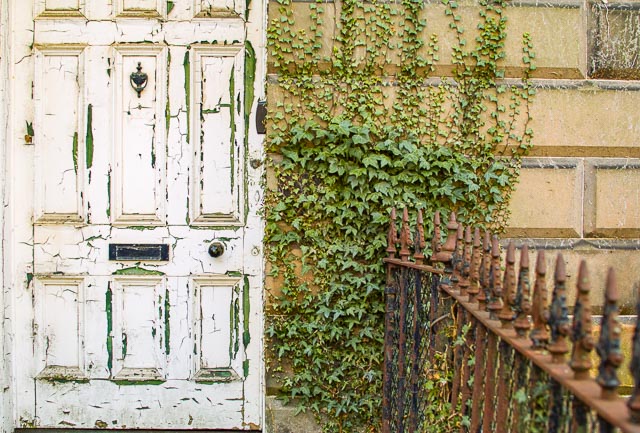
Sigma 30mm F/1.4 DC HSM Art 013 - f/2.8 - 1/125 - ISO100
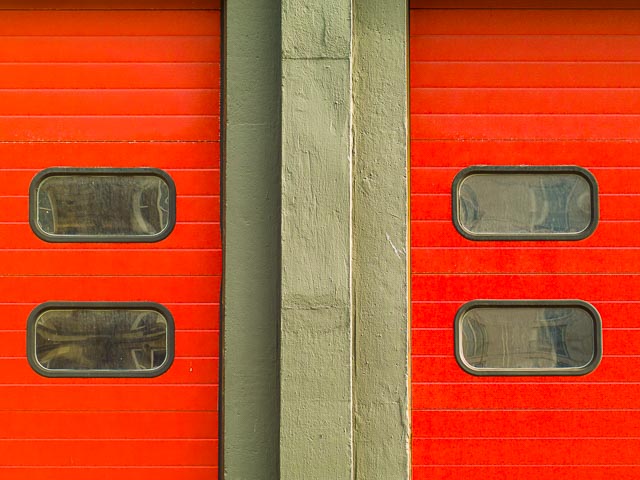
Sigma 50mm F/1.4 DG HSM Art 014 - 70mm - f/2.5 - 1/160 - ISO100
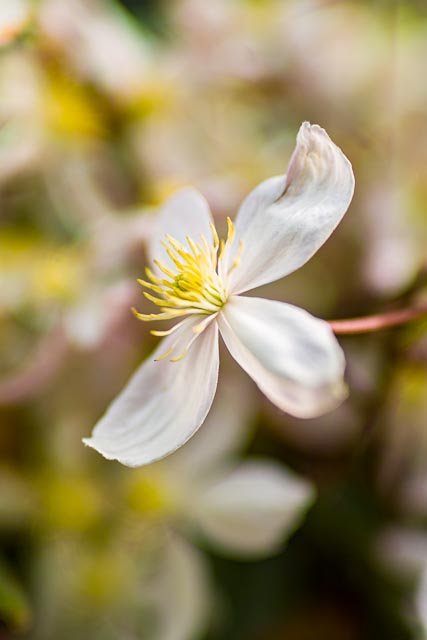
Sigma 50mm F/1.4 DG HSM Art 014 - f/1.4 - 1/2000 - ISO100
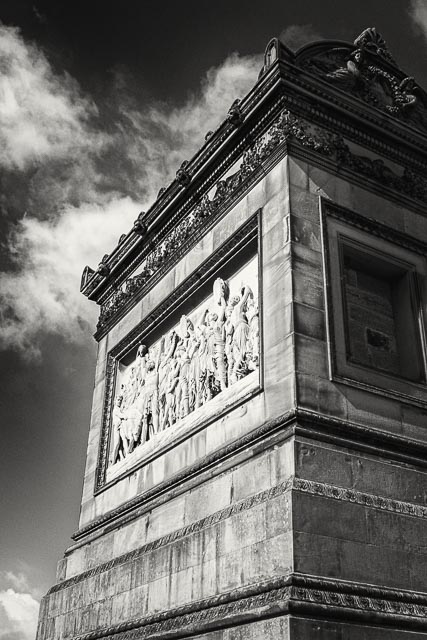
Sigma 24mm F/1.4 DG HSM Art 015 - f/5.0 - 1/400 - ISO100
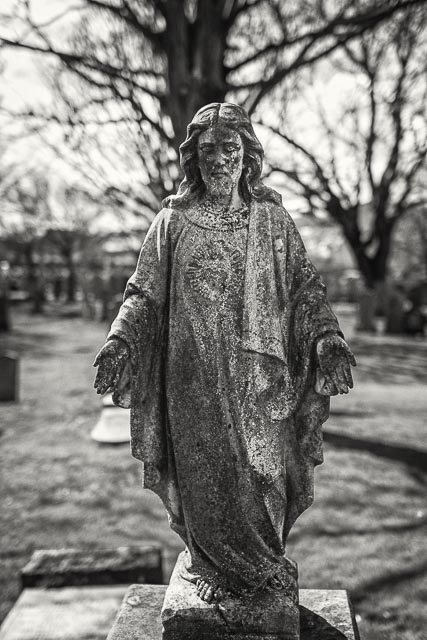
Sigma 24mm F/1.4 DG HSM Art 015 - f/1.8 - 1/2500 - ISO100
Note that since I landed in Sigmaland, I've built up quite a selection of Sigma SA mount lenses. I plan to add individual pages for each of these lenses and how well they work on my vintage SD14 DSLR, my much more modern SD Quattro H camera, and my Sony A7R III camera via Sigma's excellent Sony E to Sigma SA adapter. Check out the Adventures in Sigmaland section to see those pages as I add them over the coming weeks and months
Conclusion
In general there are other much better options for someone just looking to explore using a 20+ year old vintage DSLR: something like a Nikon D200, Sony A100 or Olympus E-500 will give you a far easier and more reliable experience while still giving you beautiful results and a satisfyingly vintage user experience (and for less money too!). What's more all these cameras will give you access to a wide range of commonly available and inexpensive lenses too (Finding decent Sigma SA mount lenses can be a real challenge!)
But if you want to explore something a bit more obscure, and you don't mind a challenge, and you don't mind paying a bit of experience for the privilege, you can have a lot of fun with a camera like the Sigma SD14. When it comes to Sigma SA mount lenses for your SD14 I can really recommend the Sigma 30mm F/1.4 DC HSM - Art 013 and Sigma 17-70 mm f/2.8-4 DC Macro OS HSM.