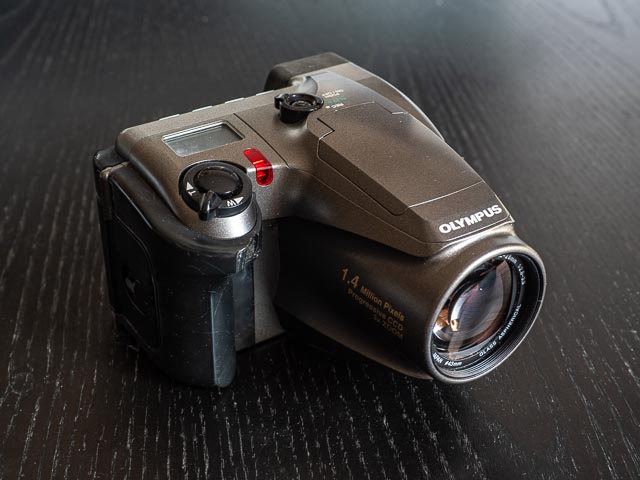
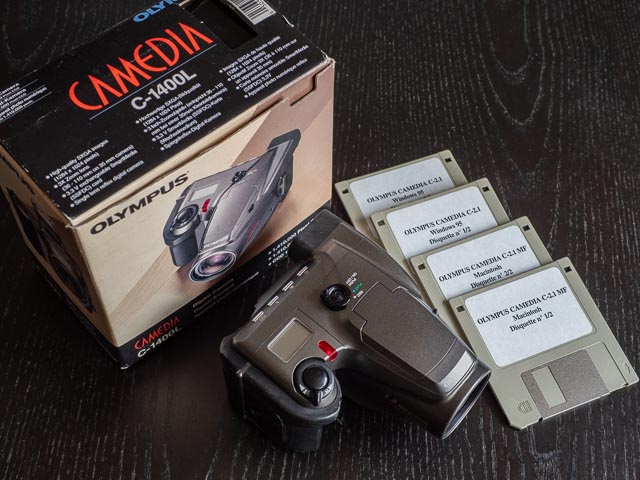
Olympus Camedia C-1400L
Introduction
| Announced | September 1997 |
|---|---|
| Camera type | Fixed lens DSLR |
| Camera size | 410 grams 115 x 83 x 130 mm |
| Sensor type | CCD |
| Sensor size | 2/3" - 8.6 x 6.9mm |
| Resolution | 1280 x 1024 (1.31 megapixel) |
| Memory card | 3.3V SmartMedia 2MB, 4MB, 8MB |
| Battery | AA x 4 |
| Lens | Olympus lens 9.2-28 mm, F2.8-3.9 (36-110 mm full-frame equiv.) |
If you just want to see some photographs, skip straight to the results section.
In the early days of digicams in the late 1990s and early 2000s there was a particular kind of camera that briefly flourished before disappearing for ever! These cameras with essentially classic digicams with small sensors and fixed lenses, but with real, live, honest-to-goodness SLR viewfinders. And the Olympus Camedia C-1400l (and it's little sister, the C-1000l launched at the same time) were the 1st example of this peculiar species.
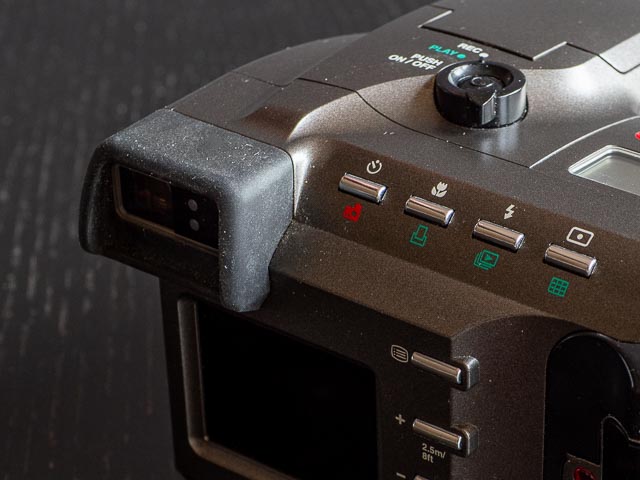 Your fist clue as to what kind of viewfinder we're dealing comes from looking at the eye-level-viewfinder on the back of camera. But look at the front of the camera… you won't find the slightest hint of an exit window for the viewfinder. This means one of two things: either the camera has an electronic eye-level viewfinder, or it has an SLR viewfinder with a system of mirrors to direct a direct view through the taking lens up to the viewfinder. The C-1400l was a couple of years ahead of the first camera with an eye-level electronic viewfinder, so of course we're dealing with the latter: a real through-the-lens optical viewfinder.
There were quite a few camera companies making this compact SLR digicams back in the day: Pentax/Hewlett-Packard collaborated on the EI-2000/Hewlett-Packard Photosmart C912, Sony had quite a range of them, including the Cyber-shot DSC-D700 and even the floppy disk equipped Mavica FD-91. But it was Olympus that invented the concept with the C-1400l and C-1000l in 1998 and they had quite a few other examples, including the Camedia C-2500l, and culminating with the very last example of the species, the E-20 of 2001.
The C-1400l and C-1000l were identical in every way except for the sensor. The C-1000l had a slightly smaller, lower resolution sensor (8.8x6.9mm/1.31mp in the C-1400l vs. 6.4x4.8mm/0.79mp in the C-1000l). Because this was placed behind exactly the same lens, the two cameras have slightly different full-frame equiv. focal lengths: 36–110 mm for the C-1400l and 50-150mm for the C-1000l. One final note: The C-1400l and C-1000l were named the D-600l and D-500l respectively in the U.S.
Buying a Olympus Camedia C-1400L in 2026
The C-1400l is actually rather rare, at least in working condition. I set up a saved search with email alerts on eBay, and it took a good couple of years for one in good condition (and working, though we'll come to one issue I had with this camera later in the results section) to turn up in the U.K in early 2026. But when it did, I only had to pay £17.99 including P&P.
Olympus Camedia C-1400L body tour
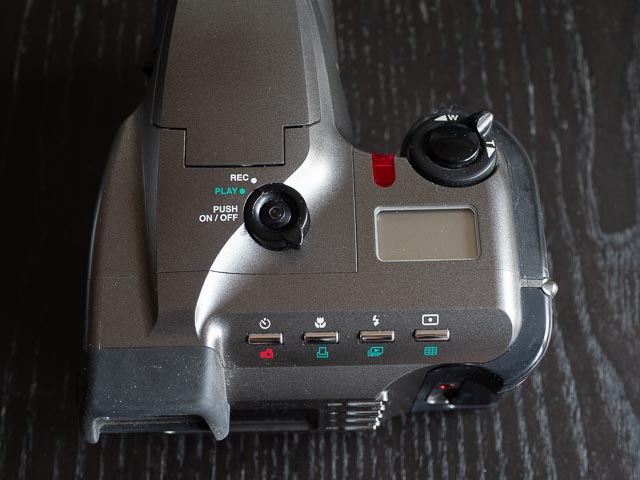 Despite it's pretentions as a 'serious' digicam, the C-1400l is ultimately a fairly simple beast with very limited manual controls. As such the body is fairly simple. Starting with the top of the camera, the main control is the mode dial surrounding an on/off push button. Like pretty much every early digicam, the C-1400l has discrete modes for shooting and reviewing images on the rare monitor. So forget about hitting the shutter button at any time to immediately return to shooting mode like on all modern digital cameras! On the right side you'll find the shutter button surrounded by a level to operate the zoom and under that a small LCD status display. And along bottom you'll find 4 buttons for activating the self-timer, macro mode, flash mode and metering mode.
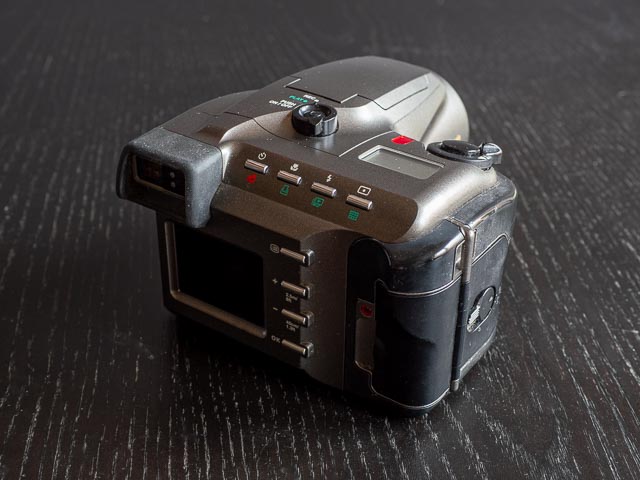 On the back of the camera you'll find the that SLR viewfinder with a couple of lights next to it to indicate focus acquisition and slow shutter speed (i.e. use flash or tripod). The viewfinder itself has no information at all. At the bottom is the inevitable rear monitor which is used to access the very simple menu and for reviewing images. There is no live-view on this camera at all. Next to the monitor there is a vertical column of 4 buttons: the top one acesses the menu system, then we have + and - buttons for navigating the menus, and finally an OK buttons for selecting menu options.
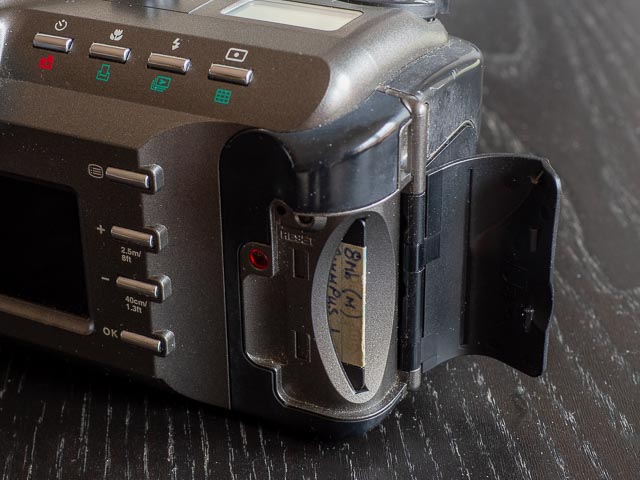
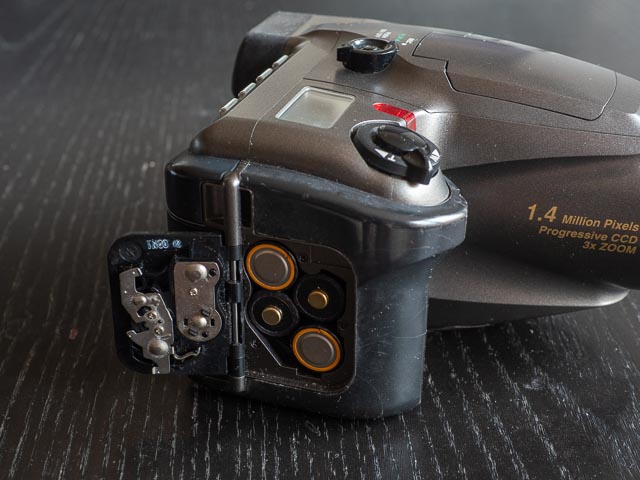 On the right hand side of the camera (as you're using it) you'll find the memory card compartment for SmartMedia card up to 8mb, and the battery compartment for standard AA batteries.
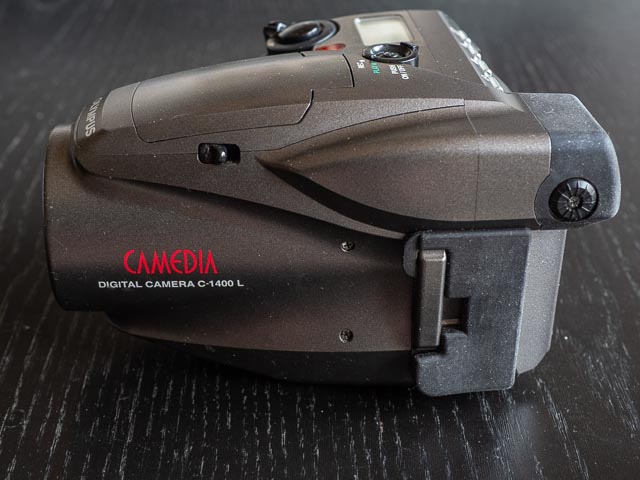 ON the left hand side of the camera you'll find a diopter adjustment dial next to the viewfinder, a switch for activating the pop-up flash and a door covering 2 ports: one for the AC adapter and a second one designed for connecting the camera to the Olympus P-300U dye-sublimation prints which allowed you to print 150x100mm prints. On this side you'll also find an attachment point for a strap.
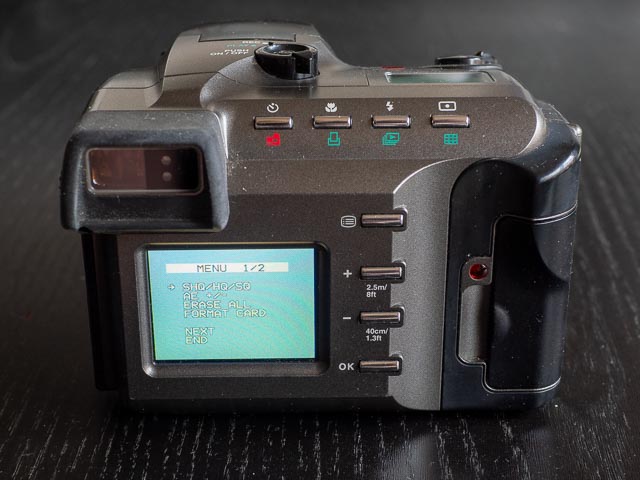
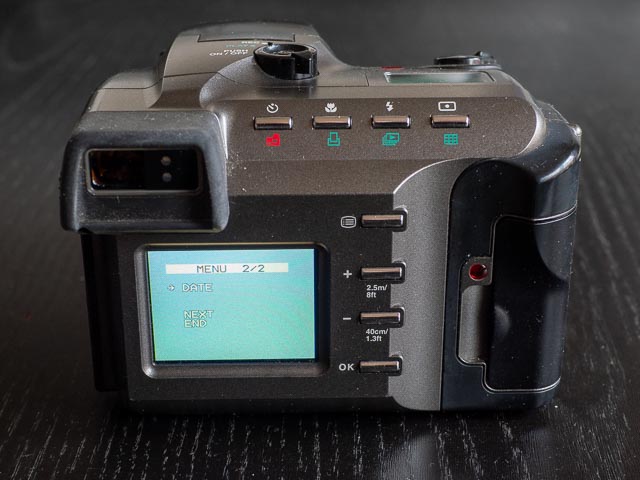 I've mentioned the menus a few times already, and they really are very simple. There're just two pages of options for doing things like setting image quality, formatting the memory card and setting the date/time.
And that's your lot!
Using a Olympus Camedia C-1400L in 2025
The Olympus C-1400l is a very pleasent and easy camera to use. The camera is largely plastic in construction but still feels very well built. If you're not used to early digicams with their completely discrete modes for shooting and reviewing images you no doubt stab away at the shutter button after reviewing images you've already taken and wonder why nothing is happening (you have to move the mode dial back to the 'Rec' setting to start shooting again). And you'll also have to just forget about having any real manual controls. But other than that there's little to get in the way of just having fun shooting images.
That real through-the-lens SLR view finder is very nice to have and certainly provides far more accurate composition than the normal digicam tunnel type optical viewfinder. Just as well since there is not the slightest hint of live-view on the C-1400l! You can of course forget about the kind of full information viewfinder you'd get on a proper interchangeable lens DSLR camera, but that fits in quite nicely with the simple just-get-on-with-shooting ethos of this camera.
There were, of course, a one or age related oddities to using this camera… like one or two other very early digicams I've used, this camera doesn't record any EXIF data, so I've no idea what settings I was using, except for one, ISO, because ISO is fixed at 100 ISO. One ever stranger quirk is that I was unable to set a date more recent than 2016! (Did Olympus really not suppose their camera would last more than 18 years?!) But as always, a few vintage digicam quirks are what makes using a camera like this fun 
Olympus Camedia C-1400L results
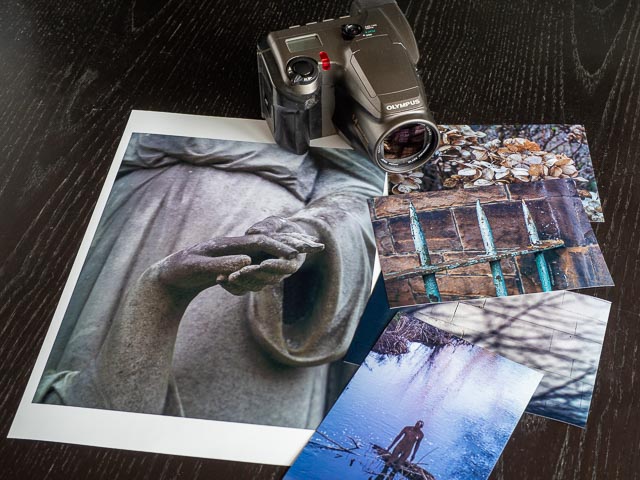
One very interesting feature of the files produced by this camera is their 5:4 aspect ratio, giving much squarer images than those produced by most digicams with their 4:3 aspect ratio. The difference compared to a typical DSLR with a 3:2 aspect ratio is even greater. This means these images have the same aspect ratio of the classic 8x10" print of yesteryear. But it also means that quite a lot of cropping is necessary to make borderless 150x100mm or A4 prints.
But despite that, I found that I could make beautiful 150x100mm prints from this camera. As you can see here, I didn't try to make borderless A4 prints, so no need to crop the images to make the A4 print you can see here. Even so the prints perhaps didn't bear really close examination, but when viewed from normal distances they still looked pretty good.
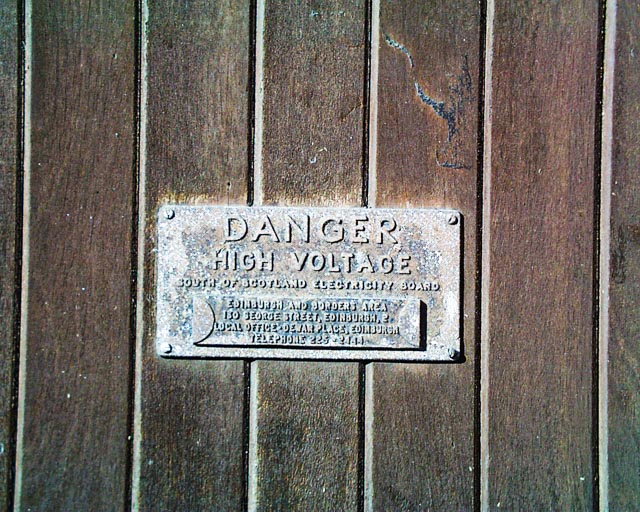
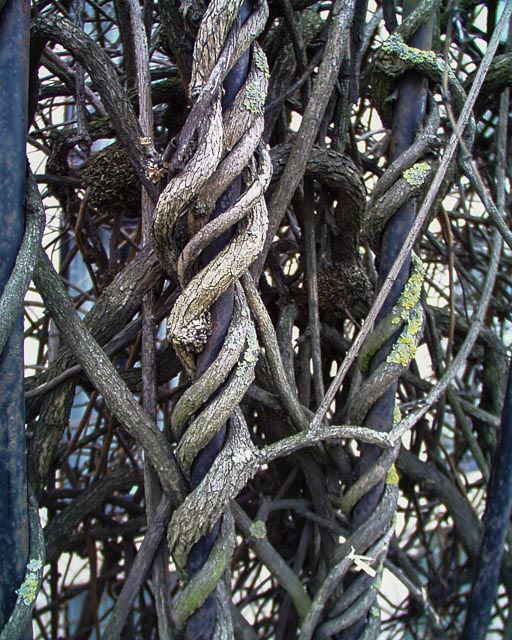
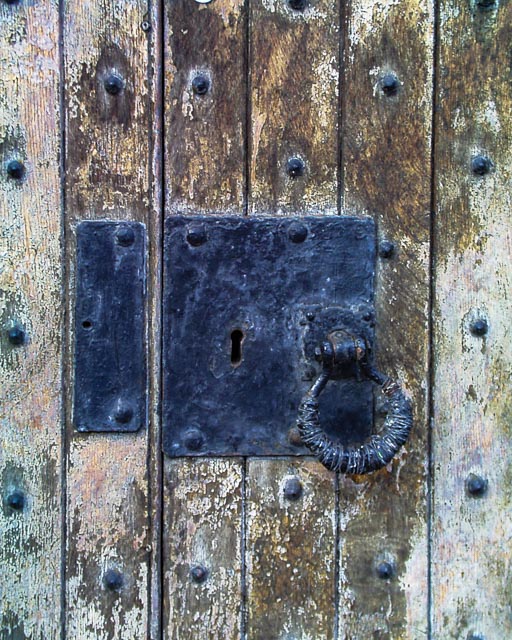
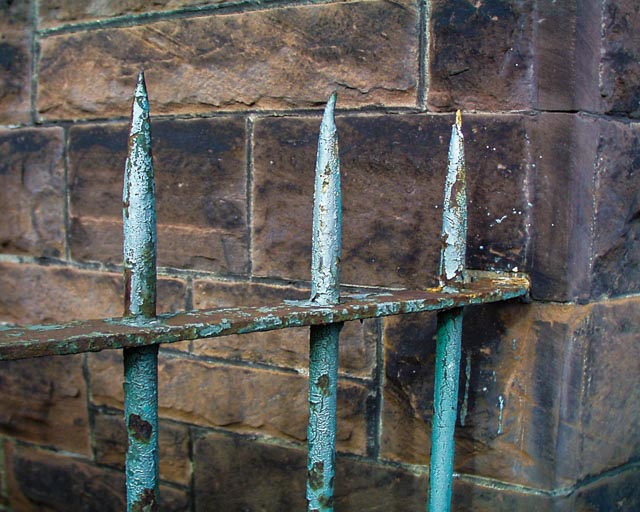
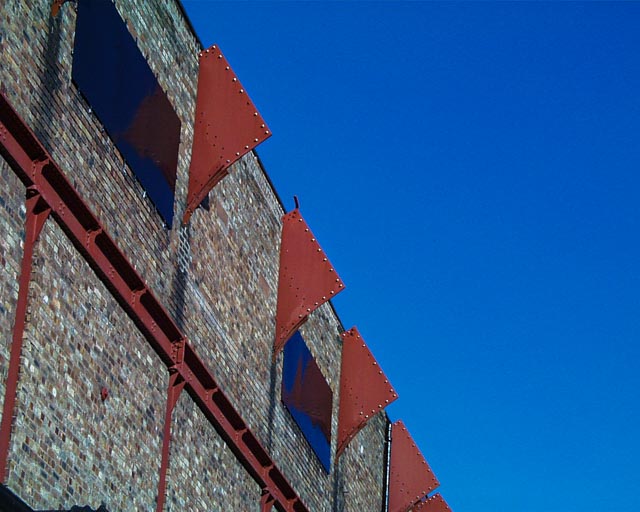
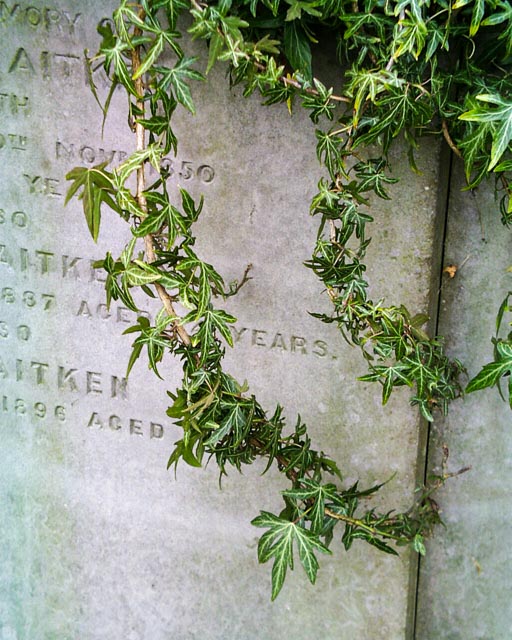
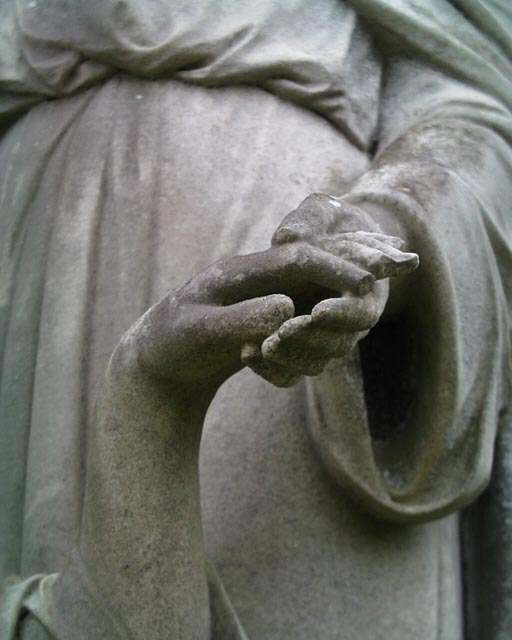
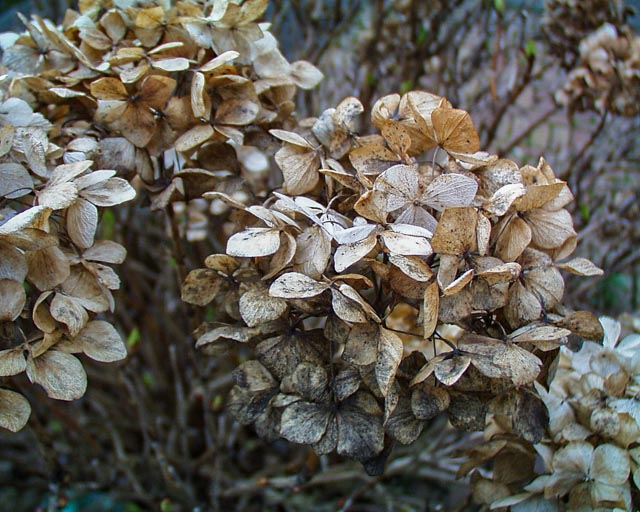
Unfortunately my example of the C-1400l had a faulty sensor that cause to top and bottom of horizontal images (or left and right sides of vertical images) to have a distinct greenish tint, while the centre of the images had a distinct magenta tint. This effect was barely visible of colourful, contrasty images, but very obvious on more subtly coloured images. Actually… I say unfortunately, but I really liked the effect. If I have bought this camera brand new with this fault it would have gone back to the shop instantly, but on a vintage digicam from nearly 30 years ago I found this 'fault' to give images with a really cool vintage character, almost like faded photos from the 1970s.